

As animators, we want to create the illusion of life. But, if our character's movement lacks believability, the spell is broken.
Mastering convincing body mechanics is crucial if you want to keep that magic alive.
You'll then be able to layer on personality, and performance, giving you the power to truly captivate your audience.
What if you could unlock the secrets of professional quality body mechanics animation, within just twelve weeks?
Enroll Today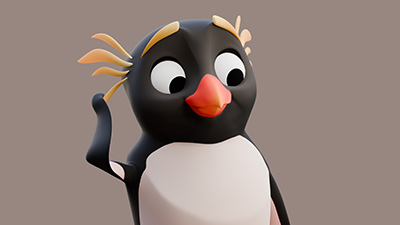
Into Action is a programme which takes you far beyond the basics of walk and run cycles (information you can find freely on YouTube).
Instead, its highly structured curriculum provides you with the skills and knowledge required to move characters around in a truly believable and entertaining way.
This is all based upon the same techniques which I've used throughout my long career as a professional animator.
With a solid understanding of mechanics, you’ll be able to convincingly move characters in any way you can imagine.
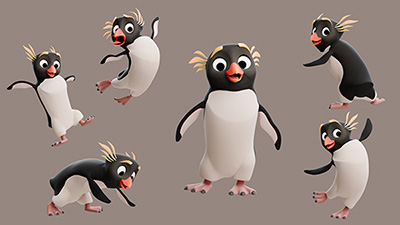
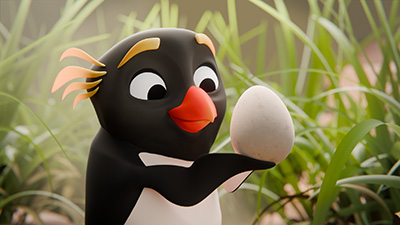
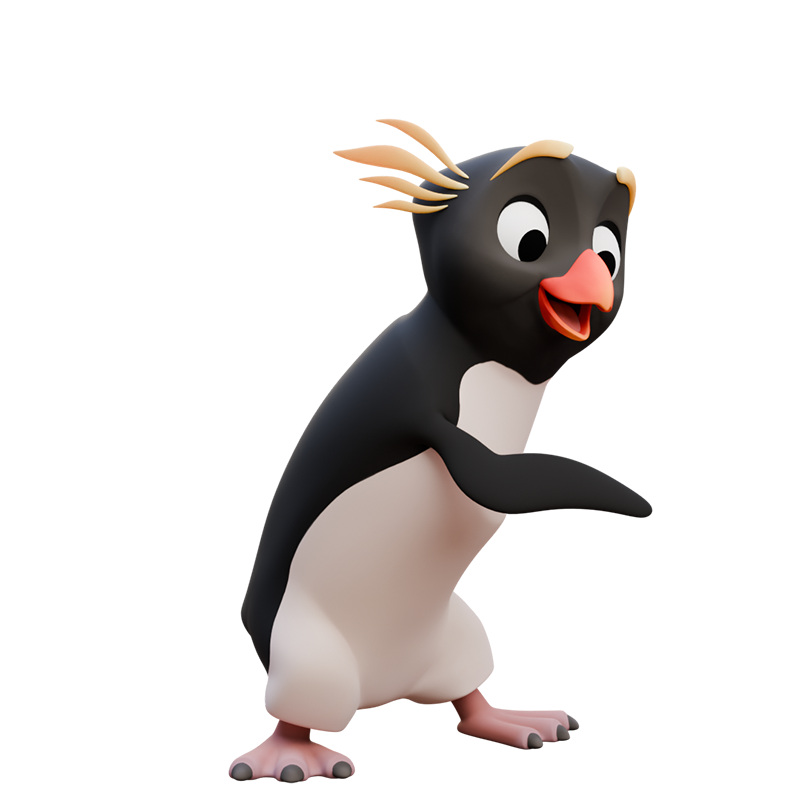
In week one you’ll become familiar with the penguin character you’ll be working with for the duration of the course, whilst exploring the essential art of posing characters.
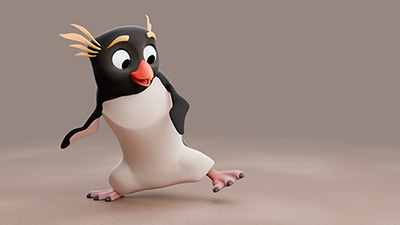
In the second week you’ll begin to get your character moving. We'll start out by analysing some reference before animating a simple exercise designed to explore weight and balance.
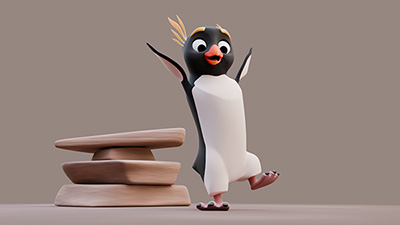
The third week will take things up a notch as you learn to create a full body jump animation.
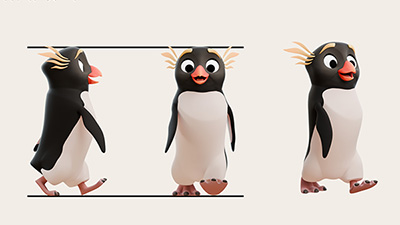
In week four you’ll start to explore locomotion. We'll analyse the mechanics of a walk before constructing a walk cycle and learning how to move it through space.
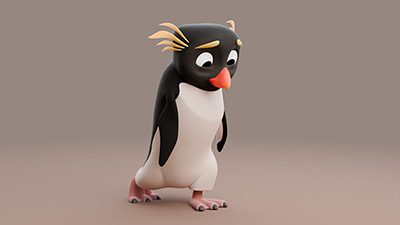
Building upon the previous week, week five explores how you can use a walk to express a character's personality and emotion.
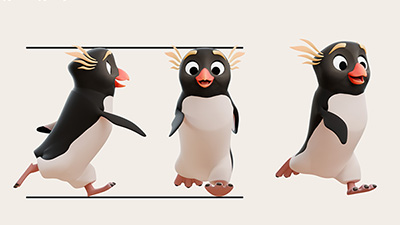
In week six, you’ll pick up the pace as you learn how to make a character run. After learning about the mechanics, you'll construct a run cycle before modifying it to show personality.
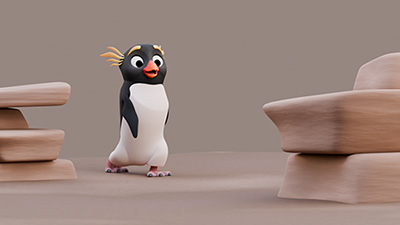
This week, you’ll explore how to move characters on complex paths, and irregular surfaces, all whilst avoiding the common issue of sliding feet.
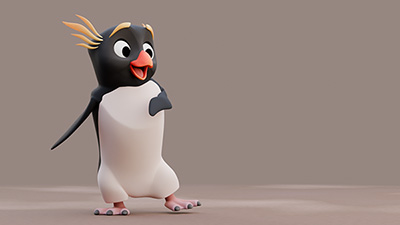
In week eight, you’ll start to add some real life and performance to your animation.
This is where you'll learn how to add variation within your animation as well as starting, stopping, and transitioning between cycles.
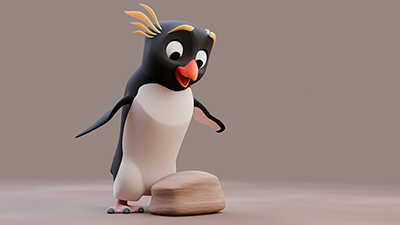
In week nine, you’ll explore weight and prop interaction as you learn how to lift and carry objects. You'll make use of constraints, which are essential for succesful interaction with props.
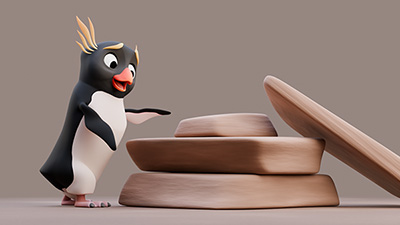
Week ten features more prop interaction. You'll explore pushing and pulling actions whilst learning to show the force and effort required to create a believable sense of weight.
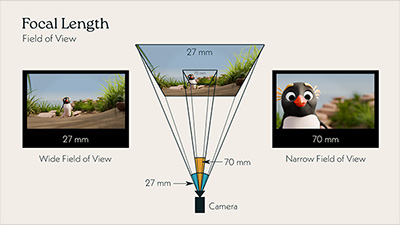
The final weeks are all about putting everything you’ve learnt into a final, complex, piece of animation. In week eleven, you’ll plan and block your final animation.
To help you get started, we'll discuss the use of cameras in animation before I walk you through my approach to making the animation from the course introduction.
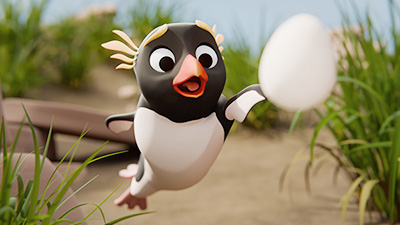
Week twelve is about wrapping everything up, as you finish your final project and create a piece of animation you can truly be proud of. In addition, I'll take you even deeper into the animation of the course introduction.
"I’ve watched a lot of tutorials on character animation — some made by amateurs and some by professionals. Most of the time, their methods are quite personal and rather fragmented, lacking a complete structure. But this course is different: the instructor is a professional animator who also knows how to teach effectively. It includes many techniques that you don’t usually see in other videos, so I think it’s really worth recommending."
John Cheng

Hi, I'm John Knowles!
Before building Into Animation I worked as an animator and animation director in children's television for over 15 years. But, when I was first starting out, I really struggled with body mechanics.
Many of the things that I now know, were learnt from other animators, or were discovered through endless trial and error.
I’m really excited to help you create believable, entertaining, characters by sharing the many things which I’ve learnt and practiced over the years.
I strongly believe that high quality, professional, feedback makes all the difference when you're trying to improve your animation, and I've made it an integral part of this programme.
My fastest period of growth as an animator was when I started working alongside other professionals and could benefit from their knowledge. Their feedback meant that I no longer had to guess why my animation wasn't working.
To ensure that as many people as possible have access to professional feedback, I'm offering two different levels of critique. Whichever option you choose, you'll receive valuable insights into how to improve your animation.
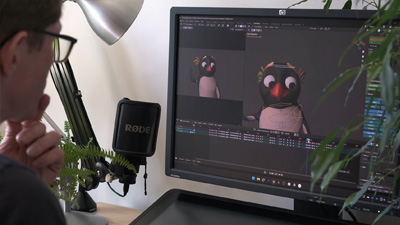
With the guided programme, each week, you can share your animation assignments to receive written feedback on your work.
I will personally review every assignment and provide notes to help you improve your animation. You can also learn even more by reviewing the feedback offered to other students.
In addition, after weeks six and twelve, we'll meet for one-on-one sessions where I'll provide additional feedback, personalised tuition, and answer any other questions that you have.
If you want to really unlock your potential, the mentored programme adds weekly one-on-one mentorship sessions where you'll work directly with me.
During each one hour session, I'll provide detailed feedback on your animation, personalised tuition, and answer any other questions that you have.
This programme allows me to fully tailor the instruction to your individual strengths and goals, for the best possible outcome.
All applicants for this programme are invited to a free discovery call where we can get to know each other, and I can gain an understanding of your goals, before making any commitment.
"John is a top notch instructor who explains concepts in a way that is easy to understand and learn. He provides thorough and detailed feedback with every student submission. Highly recommended to learn animation."
Jen Puzio
Enroll TodayNo more adverts, sponsored segments, or videos built for retention rather than instruction.
Into Action's highly structured curriculum consists of more than 20 hours of lectures and practical demonstrations, delivered over the course of twelve weeks.
I know that animation can be hard to learn, so I provide clear explanations, teaching you what you need to know, when you need to know it, and answering questions whenever you have them.
The first week of lessons will be available immediately upon enrollment, with the remaining lessons released in manageable batches each week.
You'll learn the same professional techniques and workflows which I've used successfully, for many years, within a range of animation studios.
All demonstrations are in real time, with every decision explained. No more trying to guess what someone is doing in a timelapse. You can see exactly how I approach every step.
This is the closest you can get to looking over my shoulder as I work.
Learn how to build natural, believable, motion, breathing life into your characters and avoiding the stiffness which often plagues beginner work.
You can't learn animation by simply watching videos, so putting theory into practice is essential. Alongside the lessons, you'll recieve weekly assignments designed to test your understanding and help you to put in the practice required to start seeing real progress.
All animation assignments can be submitted to receive feedback.
High quality, professional, feedback really accelerates your progress, and Into Action offers two different levels of critique to choose from.
If you ever have technical issues, you'll always recieve a rapid response so that you can get back to animating as quickly as possible.
Lessons are all pre-recorded, allowing you to watch them at a time which suits you.
Assignments can be submitted for feedback whenever you're ready.
Thare are no set deadlines.
The lessons will be yours for life.
Take them at your own pace, and return at any point in the future.

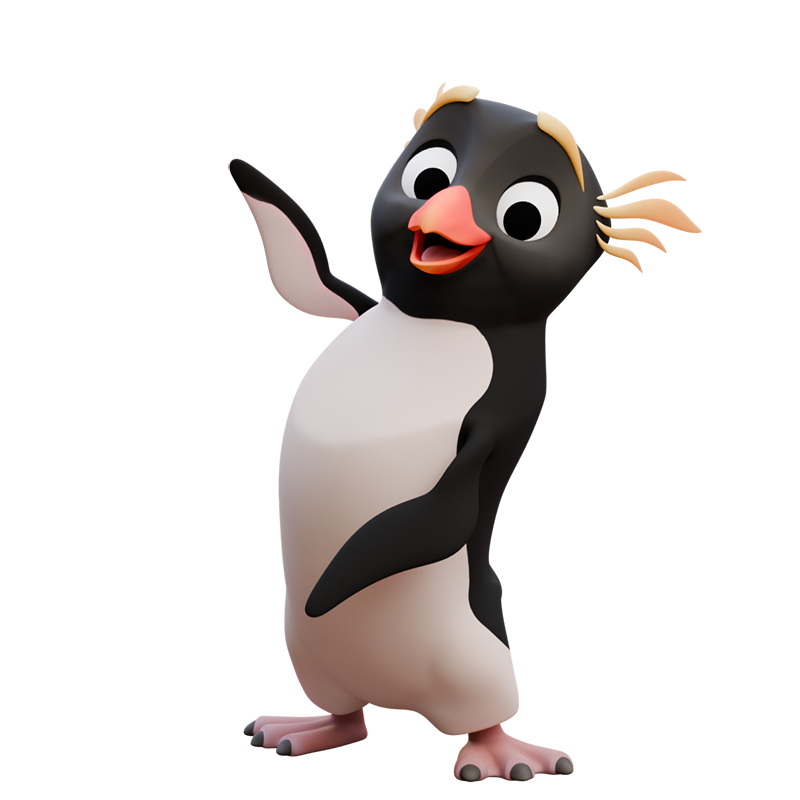
I've designed and built this little Rockhopper Penguin character specifically for this course, using a rig setup similar to that which I've used in professional studios.
Not only is this character fun to animate but, since it's not available anywhere else, your work will stand out from the crowd.
Once you've completed the course, you're free to make use of the character for your own animation practice.
"I’m so glad I enrolled in this course. Throughout the 12 weeks, John reveals the secrets of both the creative animation concepts and the hard-to-learn, in-depth technical skills needed to truly bring a 3D-character to life."
Eva Schicker
With a carefully planned structure, feedback, guidance, and support, Into Action is designed to produce real results so that you can animate truly believable characters.
It can't be done without hard work but, by the end of the programme, you'll have learnt the same techniques which I've used, every day, throughout my many years of professional animation.
After completing the assignments, and applying the feedback, you'll come away with animation you can truly be proud of, and the power to convincingly bring characters to life.
Structured lessons, feedback, expert guidance, and support, all designed to deliver real results.
The same structured lessons, with weekly, one-on-one, feedback and tuition, for maximum improvement.
Into Action is designed for anyone who wants to bring characters to life within Blender.
Whilst no body mechanics experience is necessary, an understanding of the animation foundations is essential. Fortunately, my free Into Motion course has you covered! This is also a great way to experience my teaching style before joining Into Action.
Honestly, you can probably learn many of the more basic things that I teach, if you spend long enough sifting through YouTube videos.
What you'll really struggle to find are the professional techniques that I share, which will help to accelerate, and elevate, your work.
What you'll definitely not find on YouTube is a highly structured curriculum, my production quality character rig, the chance to watch every step of my process, or my feedback on your animation.
I know that sometimes life gets in the way of the things that we really want to achieve.
Whilst it would be great if you could complete the programme in twelve weeks, I know that's not going to be realistic for everyone.
That's why all lessons are pre-recorded, with lifetime access, giving you the flexibility to progress at a pace which suits you.
Assignments can also be submitted for feedback whenever you're ready.
Installment options are available through AfterPay, Klarna, or PayPal, within certain regions. Where these options exist, they will be found on the checkout page.
I break down the creation of this animation within the course, but my intention is to give you the skills and knowledge to create your own, unique, final project, similar to my animation of the penguin chasing the egg.
I do cover a small amount of performance, since this is what provides the entertainment value in our animation, but the lessons are primarily focused on teaching animation body mechanics. Therefore, I don’t cover lip-sync and I only touch on expressions briefly.
These are subjects best reserved for a dedicated performance course.
This is something which I’d love to do, but it’s entirely dependant upon how many people choose to take Into Action.
Performance is something which really does depend upon a detailed understanding of body mechanics. I wanted to release this course first, to ensure that students, in any future performance course, have a sufficient depth of body mechanics knowledge.
"This course is not only for those who want to get started in 3D animation, but also for those who already have knowledge and want to make the switch and adapt to the Blender workflow."
Julián Villanúa
If you're considering Into Action but are still unsure if it's the right choice for you, feel free to book a discovery call and I'll happily answer any questions that you have.